

Barndoor Bridge is in Early Access. These pages are not listed in the navigation. Overview:
/how-tos/barndoor-bridge/overview · Using Bridge: /how-tos/barndoor-bridge/using-bridge · Install with MDM: /how-tos/barndoor-bridge/install-with-mdm · Client settings: /how-tos/barndoor-bridge/client-settings · Publish a local MCP: /how-tos/barndoor-bridge/publish-local-mcp · Release notes: /how-tos/barndoor-bridge/release-notesv0.1.218
Stable from November 2, 2026. Replaces v0.1.210. Coming from v0.1.96? Read the v0.1.210 notes too; their changes apply as well. To check a Mac:Before you roll it out
- Move Macs to macOS 15 or later first. See the warning above.
- Expect the Codex policy on every managed Mac. The updater script now installs it whether or not provider lockdown is on. That adds Launch Codex Desktop, and makes
codexin a terminal, and Codex in the ChatGPT app opened directly, work only through Barndoor. If your fleet ships its own/etc/codex/requirements.toml, opt out first, because the updater replaces it. See The Codex policy is installed on every managed Mac. - Replace your copy of the updater script. MDM consoles run the script text you pasted. The new Codex policy behaviour is in the script, so it applies only once you paste the current
install-latest.sh.
What’s new
-
Servers tab. The Bridge window has a Servers tab again, listing each MCP server with its status and, when something is wrong, what to do next. Blocked servers come first, and the Status tab links to it when a server needs attention.
barndoor list --jsongives the same information in a terminal.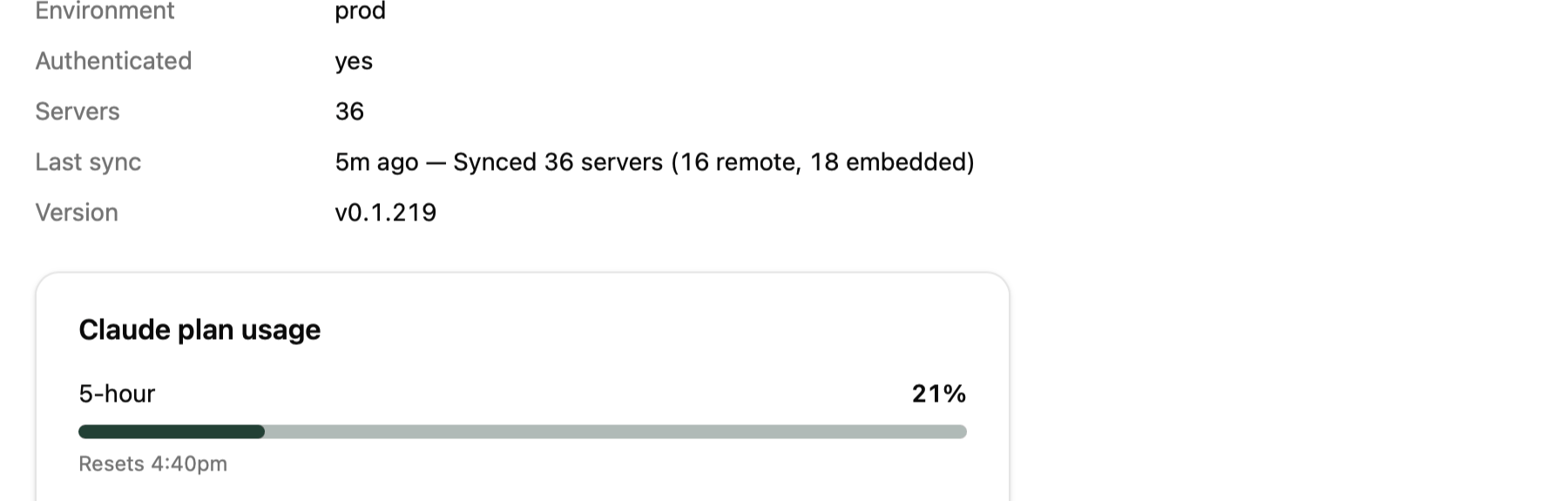
-
Local MCP servers show why they failed. When a local MCP server your organization published exits during startup, Bridge now shows the last lines of the server’s own error output instead of only “managed server failed to start”. The full output is saved to
~/Library/Logs/Barndoor/local-mcp/<slug>.log, with credentials redacted. -
barndoor local-mcp packageturns an MCP server published on npm or PyPI into one self-contained binary per Mac architecture, tests each over stdio, and prints the command to sign it. See Publish your own local MCP server. -
barndoor local-mcp installinstalls a published local MCP server for your organization from a terminal or CI pipeline, without the admin UI. It can be run on every release.--availability requiredoropt_inneeds platform v2.53 or later. Setting the server’s policy is still done in the admin UI. -
barndoor local-mcp execruns a local MCP server’s one-time setup command, such as Auth0’sinitsign-in, through the same signed binary Bridge launches:It runs only setup commands the publisher listed when signing the server, and each run is recorded in your audit log. Publishing a server that lists setup commands needs Barndoor platform v2.54.0 or later. -
Import Claude Sessions is gone from the Bridge window and menu bar. Bring Claude Desktop chats, Cowork tasks, Code sessions, and claude.ai history over with Settings → Import in the Claude Desktop that Bridge launches. Claude Code history from
~/.claudecomes over withbarndoor sessions importin a terminal. -
A crashed Bridge session no longer breaks Claude Desktop. If Bridge was stopped without cleaning up, for example at logout, Claude Desktop opened directly used to keep trying Barndoor’s old profile. Bridge now removes it the next time it starts, on every
barndoor run, and frombarndoor doctor.
Changes for admins
macOS 15 or later
Barndoor.app now needs macOS 15 Sequoia or later and does not open on older releases. Update those Macs, or keep them out of the updater script’s targets until they are updated. The bundled CLI still runs on macOS 13 Ventura or later.
The Codex policy is installed on every managed Mac
In v0.1.210 the updater script installed the Codex policy,/etc/codex/requirements.toml, only where provider lockdown was on, so most fleets never saw Launch Codex Desktop. Now the script installs it on every Mac it runs on, and keeps it current. The Claude policy still follows provider lockdown.
What that means on each Mac:
- Launch Codex Desktop appears in Bridge when Codex Desktop is installed at
/Applications/ChatGPT.app. codexin a terminal, and Codex in the ChatGPT app opened directly, refuse to run outside Barndoor.barndoor run codexand Launch Codex Desktop work. Tell people before you roll it out.- A fleet’s own requirements file is replaced on every run. If you ship your own Codex requirements, opt out.
--no-codex-desktop-policy, or set BARNDOOR_MDM_CODEX_DESKTOP_POLICY=0 in its environment. That removes only a file Barndoor wrote, and Launch Codex Desktop is no longer offered.
When the file is missing, Bridge and barndoor codex-desktop-policy verify now point at your device management instead of asking the user to install it:
Use plain barndoor in a terminal
The package links the bundled CLI at /usr/local/bin/barndoor, so barndoor works in a terminal without the full path. An older standalone barndoor that comes earlier on your PATH, for example one in ~/.local/bin, takes precedence and cannot read the configuration Bridge writes. Check with which -a barndoor, and remove the older one.
Known limits
The v0.1.210 known limits still apply. No Windows build ships in this stable release.v0.1.210
Stable from November 1, 2026. Replaces v0.1.96. Managed Macs pick it up on the next run of the MDM updater script; nothing needs re-uploading.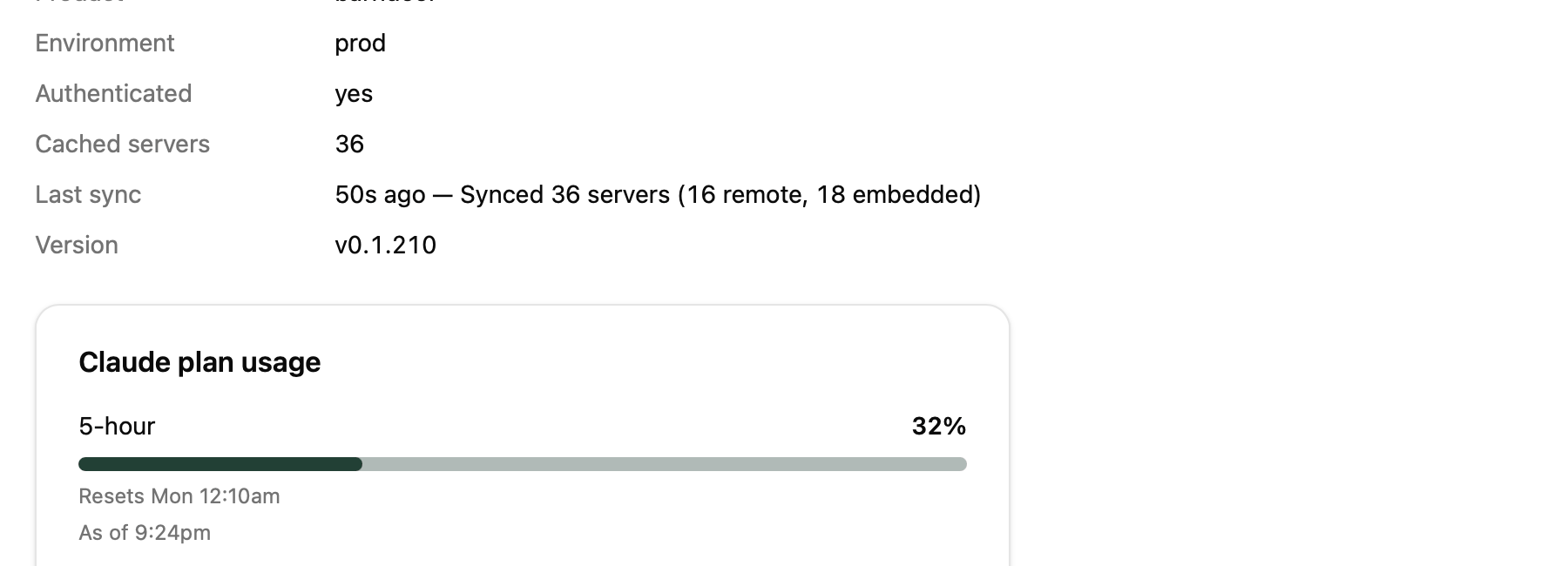
Before you roll out v0.1.210
- Update Claude Desktop to 2.2553.0 or later. Older versions are refused at launch. See Minimum Claude Desktop.
- Review your client settings. They are now the only thing that restricts a governed session. See Client settings are the only restriction.
- Decide whether you want Launch Codex Desktop. It appears only on Macs with the Codex policy, which the updater installs only when provider lockdown is on. See Launch Codex Desktop needs the Codex policy. Changed in v0.1.218.
What’s new
-
Kilo Code. Bridge launches Kilo through Barndoor: Kilo Code (Kilo Desktop) and Kilo Code (VS Code) appear on the Status tab when they are installed, and
barndoor run kilostarts the Kilo CLI. Kilo can use a ChatGPT subscription route once your organization is on Barndoor platform v2.53. - Codex Desktop. Launch Codex Desktop opens Codex with no welcome screens, a model picker that lists only your allowed models, and history kept between launches. If ChatGPT rejects your sign-in, Bridge offers to sign in again. Codex Desktop needs the Codex policy; see below.
-
Launches show their models. Every governed launch prints the model Barndoor picked for each slot, for example:
- Claude Desktop shows real model names. Its model picker lists the Claude models your organization allows, by name, including 1M-context versions.
-
Everyday command-line tools work through Barndoor’s shell.
gh,git,bash,curl,jq,python, and the rest now run through Barndoor’s shell tool, subject to your policies. Earlier releases refused a built-in list of these everywhere, which left Cowork in Claude Desktop with no usable command line. - Codex terminal sessions get a normal shell with network access.
- Your own local MCP servers. Your organization can publish, sign, and pin its own local MCP servers, and Bridge runs them. See Publish your own local MCP server.
- Questions and notices appear in the Bridge window instead of separate system dialogs.
- Clearer errors. Bridge shows the gateway’s error message instead of raw JSON, says what to fix when a launch cannot start, and reports an expired Claude or ChatGPT sign-in as a sign-in problem rather than an outage. The sign-in page shown after you authenticate in the browser now matches what actually happened.
- Smaller download. The installer is about half the size of v0.1.96.
Changes for admins
Client settings are the only restriction
Postures are gone. What a governed session may do now comes only from your organization’s client settings and your policies. Bridge adds no restriction of its own.- The
--postureflag is removed.barndoor run claude --posture gatewaynow fails withError: unknown flag: --posture. - The
BARNDOOR_POSTUREenvironment variable is ignored. - No MDM setting ever carried a posture, so your profiles need no change.
Barndoor’s shell refuses only the commands you block
Every command now reaches Barndoor’s shell tool, where your policies check it and the call is audited asshell/shell_exec. Nothing is refused unless you block it.
To block commands, add them to Deny command patterns in the Shell panel of client settings. Since this release those patterns apply to Barndoor’s shell tool as well as the client’s own shell, and wrapping a command in &&, a pipe, $(…), sudo, env, or bash -c does not get around them. If your policies require approval for shell commands, people see a confirmation such as:
Local MCP servers are opt-in for each person
With Barndoor platform v2.53 and later, installing a local MCP server for your organization makes it available. Each person turns it on with Connect in My MCP Servers. Choose who gets it with Who gets it when you install it; the server’s card shows which applies. New installations are opt-in by default. Installations that existed before stay required, so nothing changes for people already using them.Minimum Claude Desktop version
Bridge now needs Claude Desktop 2.2553.0 or later. It is the first Claude Desktop release that can keep plugins’ MCP servers behind Barndoor. Bridge refuses to launch an older one:Launch Codex Desktop needs the Codex policy
Changed in v0.1.218: the updater installs the Codex policy on every managed Mac. See The Codex policy is installed on every managed Mac.
/etc/codex/requirements.toml, and Codex Desktop at /Applications/ChatGPT.app. Without the policy, Bridge shows no button and no explanation.
The MDM updater script installs the Codex policy only where provider lockdown is on. So a fleet without lockdown never gets the button, unless you force the policy with the updater’s --codex-desktop-policy option. The policy also makes codex in a terminal, and Codex in the ChatGPT app opened directly, refuse to run outside Barndoor. Tell people before you turn it on.
Hold Codex Desktop updates (optional)
Codex Desktop updates itself and can get ahead of the versions Barndoor supports. Launches on a Mac with an unsupported version fail with “newer than this Barndoor supports” until a later Bridge adds it. A new, optional MDM profile stops Codex Desktop’s automatic updates so you release each version yourself. See Hold Codex Desktop updates. To check whether a Mac’s Codex Desktop is supported without launching it, runbarndoor codex-desktop-policy builds.
Tamper-proof Claude Desktop profile (optional)
A new, optional MDM profile makes Claude Desktop’s Barndoor configuration impossible for the user to change or delete. With it, Claude Desktop opened directly cannot be switched to a personal claude.ai account. See Claude Desktop managed profile. It has not yet been tested across a full range of real devices.Provider lockdown stays off unless you turn it on
barndoor doctor now reports whether direct access to LLM provider APIs is blocked on the Mac. On a Mac without lockdown it reads:
Known limits in v0.1.210
Good to know
- Use the CLI inside Bridge. Bridge links it at
/usr/local/bin/barndoor. An older standalonebarndoorearlier on yourPATH, for example in~/.local/bin, cannot read the configuration Bridge writes and fails withparse config cache: not sealed protobuf and not legacy JSON. Remove it. - Governed launches own some client options. Passing them after
--fails before the client starts, for example--model is controlled by barndoor run and cannot be overriddenandclaude option "-c" is unavailable in governed mode. Usebarndoor run … --continueor--resume <id>instead. barndoor tools callruns as the agent “Barndoor CLI”, so your policies may treat it differently from Claude Code or Codex.- Approvals come after the preview. Telling the agent “I approve” in advance does not count; it shows the preview and asks.
- Kilo launches fail with a clear message when Kilo isn’t installed, such as
Kilo Desktop is not installed at /Applications/Kilo.app. The empty session this leaves can be removed withbarndoor sessions prune.